Step
Photo
Scrub
again with cloth or paper towel (toilet paper, etc.)
Groundwork & Diorama Aids:
Scalerama (Korea)
New groundwork line ideal for 1/32 (54-mm) and 1/35 (48 mm) scales.
Back to Scalerama Step by Step Instructions Index
Back to Groundwork & Diorama Aids Index
Step-by-Step Instructions Scalerama Dust Powder
The Scalerama diorama products line is very easy to use. The products come with application instructions, and the table of contents listed below is a great addition to these instructions. Each product contains descriptions & photos with step by step instructions on how to use the various products, and also how to create special effects.
A. Step by Step: applying dust powder to tractor scale model (click on photo to see larger photo)
|
Step |
Description |
Photo |
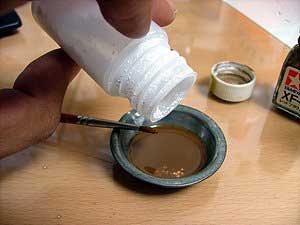
| Step 1 | Mix
DUST POWDER with thinned enamel paint (in this case, brown paint
mixed with paint thinner). |
|
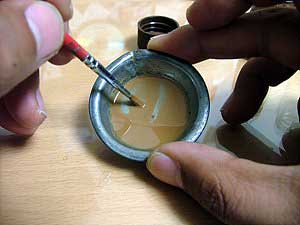
| Step 2 | Stir
until dissolved. |
|
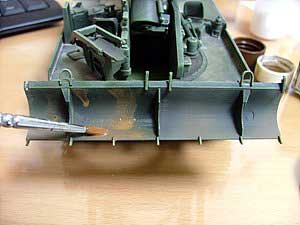
| Step 3 | Apply
the DUST POWDER mixture with paint brush onto the model. |
|
| Step 4 | Allow
to dry for approximately 30 minutes. |
|
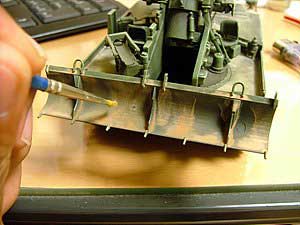
| Step 5 | Scrub
painted surface with dry paintbrush. |
|
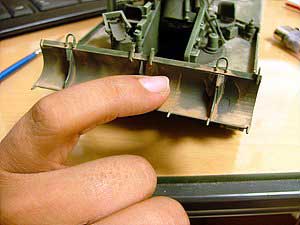
| Step 6 | To
enhance the natural look of the dust effect, scrub the surface with your
finger tip. |
|
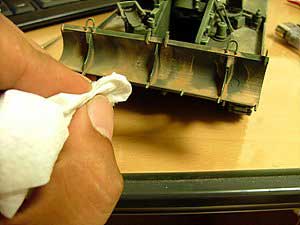
| Step 7 |
Scrub
again with cloth or paper towel (toilet paper, etc.) |
|
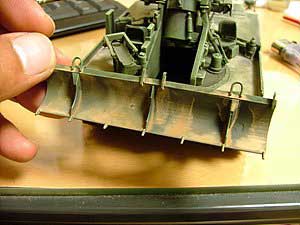
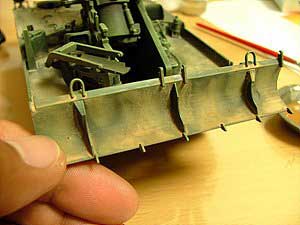
| Step 8 | Finished
dust surface! |
|
| Note: there is another tutorial using Scalerama Snow Powder to add a muddy earth effect to this same model tractor. See step-by-step tutorial listed on the Snow Powder page. | ||
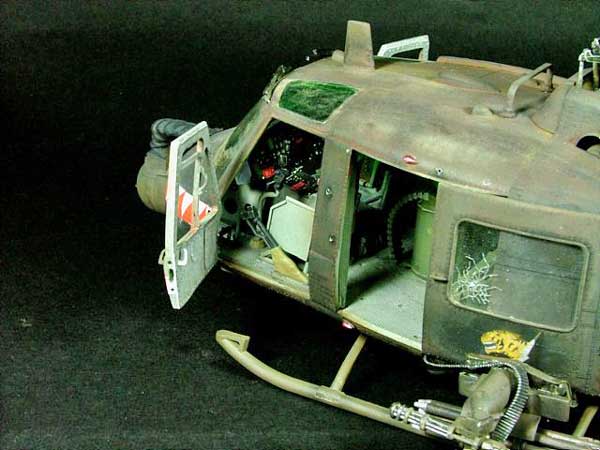
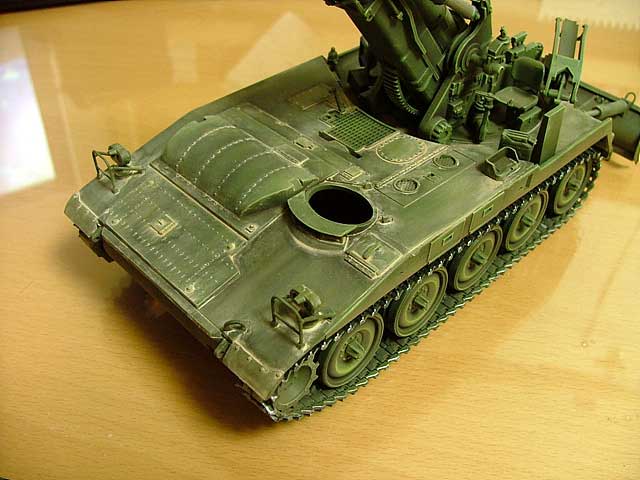
| Photos of finished models using
Dust Powder:
|
||
Click here to order Dust Powder
Back to Scalerama Step by Step Instructions Index
Back to Groundwork & Diorama Aids Index